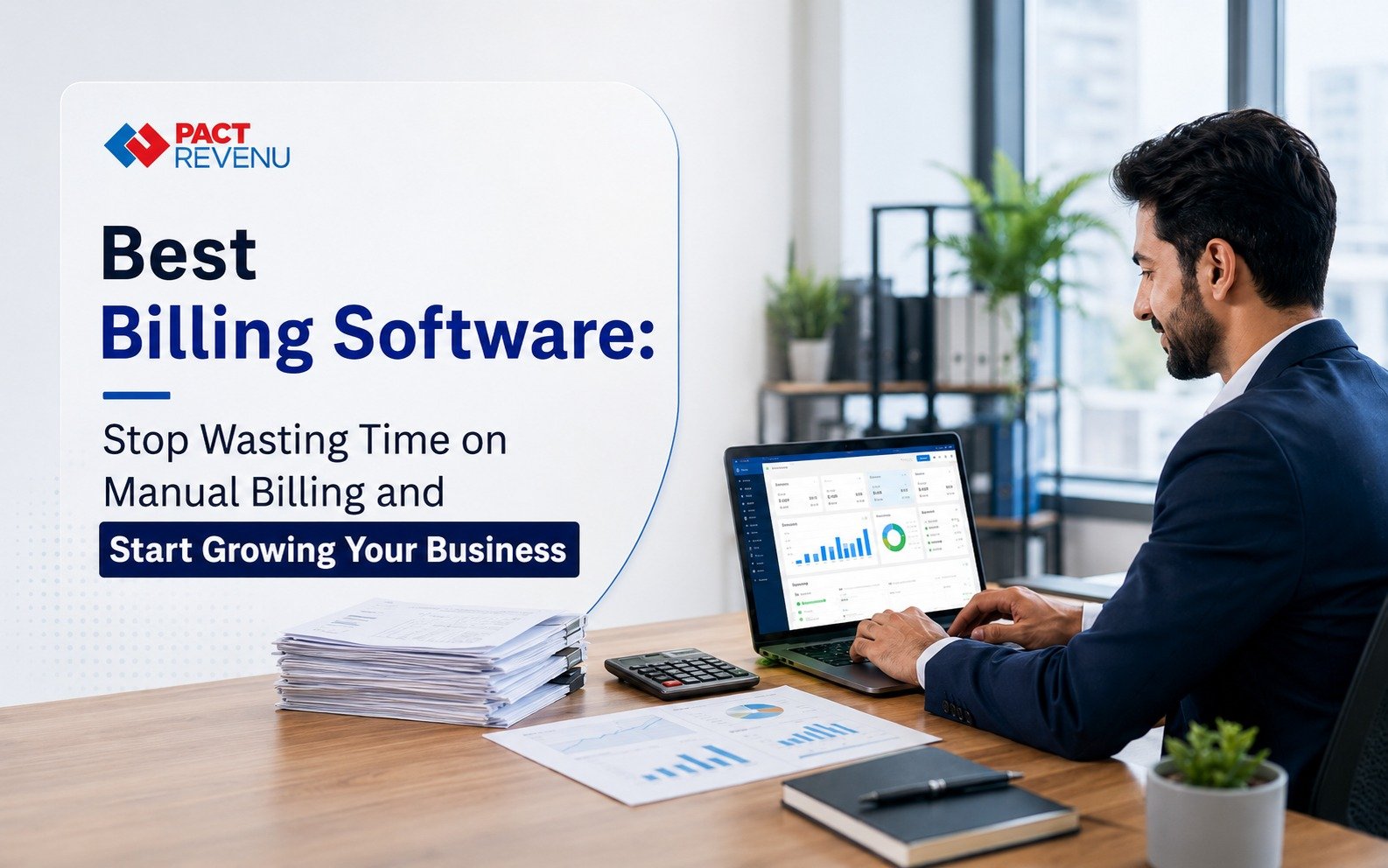
Best Billing Software India: Stop Wasting Time on Manual Billing and start Growing Your Business
If you run a business in India, you already know billing isn’t just about handing over a bill. It’s GST, stock counts, payment follow-ups, and reports, all rolled into one never-ending task list.
A notebook or spreadsheet might get you through the early days. But once your customer base grows, manual billing starts showing cracks. One wrong total, one missed GST entry, one stock mismatch, and you’re spending your evening fixing what should’ve taken two minutes.
That’s the real reason businesses move to billing software. Not because it sounds modern, but because it actually saves time and prevents costly mistakes. In this blog, we’ll look at why manual billing struggles to keep up, what good billing software should actually do, and how to pick one that fits your business, not someone else’s.
Why Manual Billing Breaks Down as You Grow
Manual billing works fine when you’re handling a handful of transactions a day. The trouble starts when volume increases but your process doesn’t.
Small Mistakes, Bigger Headaches
Every manual invoice depends on someone typing the right quantity, price, discount, and tax, every single time. During a busy afternoon, that’s exactly when errors creep in: a wrong GST rate, a duplicate invoice, a mismatched price.
These aren’t just internal annoyances. Customers notice when invoices look inconsistent, especially business clients who use them for their own records. Billing software helps by handling repetitive calculations consistently, as long as your product and tax details are set up correctly from the start.
Repetition Eats Up Your Team’s Time
Think about how often your staff re-enters the same customer details, looks up the same prices, or manually calculates tax on every bill. Individually, these take a minute. Multiplied across hundreds of monthly transactions, it adds up to hours your team could spend actually helping customers.
Inventory Becomes a Guessing Game
Without a system connecting billing to stock, basic questions get surprisingly hard to answer. What’s selling fast? What’s about to run out? What’s been sitting on the shelf too long?
When billing and inventory are linked, stock levels update automatically with every sale, purchase, or return. That gives you real numbers to plan around, instead of guesswork.
What Billing Software Actually Does
At its core, billing software helps you generate invoices. But the better systems go further, managing GST calculations, inventory, customer and supplier records, payment tracking, and sales reports in one place.
Different businesses need different things. A retail shop wants fast checkout and barcode scanning. A wholesaler needs bulk invoicing and customer balance tracking. A service business mostly cares about clean, professional invoices and payment follow-up.
If you’re comparing options like PACT REVENU, the real question isn’t which one has the longest feature list. It’s which one matches how your business actually works day to day.
What You Gain From Switching
Faster, More Reliable Billing
Good software lets your team pick products, apply the right tax automatically, record payment, and print an invoice in seconds, not minutes. That matters most during your busiest hours, when a slow billing counter means a longer queue and a frustrated customer.
GST Without the Guesswork
Manual tax calculations are where a lot of billing errors start. Software can apply GST automatically once your product and tax settings are configured correctly. That said, the responsibility for accurate records and compliance still sits with you. For anything tax-specific, it’s always worth checking current official guidance or speaking with a qualified tax professional.
Clearer Stock Visibility
Connected inventory means you can see what’s moving, what’s stuck, and what needs reordering, without walking the floor or checking a register by hand.
Payments That Don’t Slip Through the Cracks
When payment records live across notebooks, spreadsheets, and WhatsApp messages, something always gets missed. A centralised system keeps outstanding balances visible, so follow-ups happen before they become a problem.
Reports You Can Actually Use
Beyond a daily sales figure, useful reports answer real questions: which products are driving revenue, which customers still owe money, and how sales are trending month to month. That’s decision-making based on data, not gut feeling.
Features Worth Checking Before You Buy
Not every feature matters to every business. Focus on what your team will actually use:
● GST-compliant invoicing, with tax and business details configured accurately
● Real-time inventory that updates with sales, purchases, and returns
● Barcode billing, especially useful for retail, pharmacy, or high-SKU businesses
● Role-based access, so a cashier and a manager see only what they need to
● Centralised customer and supplier records, instead of scattered files
● Clear data backup and security practices, including who can access what
Who Actually Benefits From This
Retail stores gain from faster checkout and live inventory. Restaurants get quicker billing and clearer item-level sales data. Pharmacies rely on accurate stock tracking. Wholesalers need bulk invoicing and balance management. Service businesses want clean invoices and reliable payment tracking. And multi-branch businesses benefit from having everything visible in one place, with the right access controls for each location.
Mistakes Worth Avoiding
Choosing purely on price is a common one. The cheapest option can end up costing more later if it can’t handle your GST needs or growth. Overlooking customer support is another risk, since billing issues during business hours need quick answers, not a support ticket that sits for days. And picking software that only fits your business today, without room for more users, branches, or transactions, often means switching systems again sooner than you’d like.
How to Actually Choose
Start with the problems you’re trying to solve, not the feature list. Does it handle your GST requirements? Does it manage inventory the way your business needs? Are reports genuinely useful, or just decorative? Can your team learn it quickly, even during a busy shift?
Wherever possible, ask for a trial and test it with real scenarios: create an invoice, process a return, check stock, pull up a customer balance, generate a report. That tells you far more than any sales pitch.
A Few Common Questions
Which is the best billing software for small businesses in India?
There’s no universal answer. It depends on your industry, transaction volume, inventory complexity, GST needs, and how many people will use it.
Does billing software help with GST?
Yes, when set up correctly. Tax settings and business details still need to be accurate for the calculations to be reliable.
Is it useful for retail stores?
Very much so, thanks to faster billing, barcode support, inventory tracking, and sales reporting all working together.
Is cloud-based billing worth it?
It can be, particularly if you need remote access or want visibility across multiple locations. Just check on security, backups, and internet dependency before committing.
The Bottom Line
Manual billing gets the job done when you’re small. But as transactions grow, it becomes harder to keep invoices, stock, payments, and reports accurate and organised.
The right billing software brings all of this together, so you spend less time fixing errors and more time running your business. Choose based on what your business actually needs, not what looks impressive in a demo.
If you’re evaluating options in this space, PACT REVENU is one worth a closer look, based on your own workflow, transaction volume, and where you plan to take your business next.