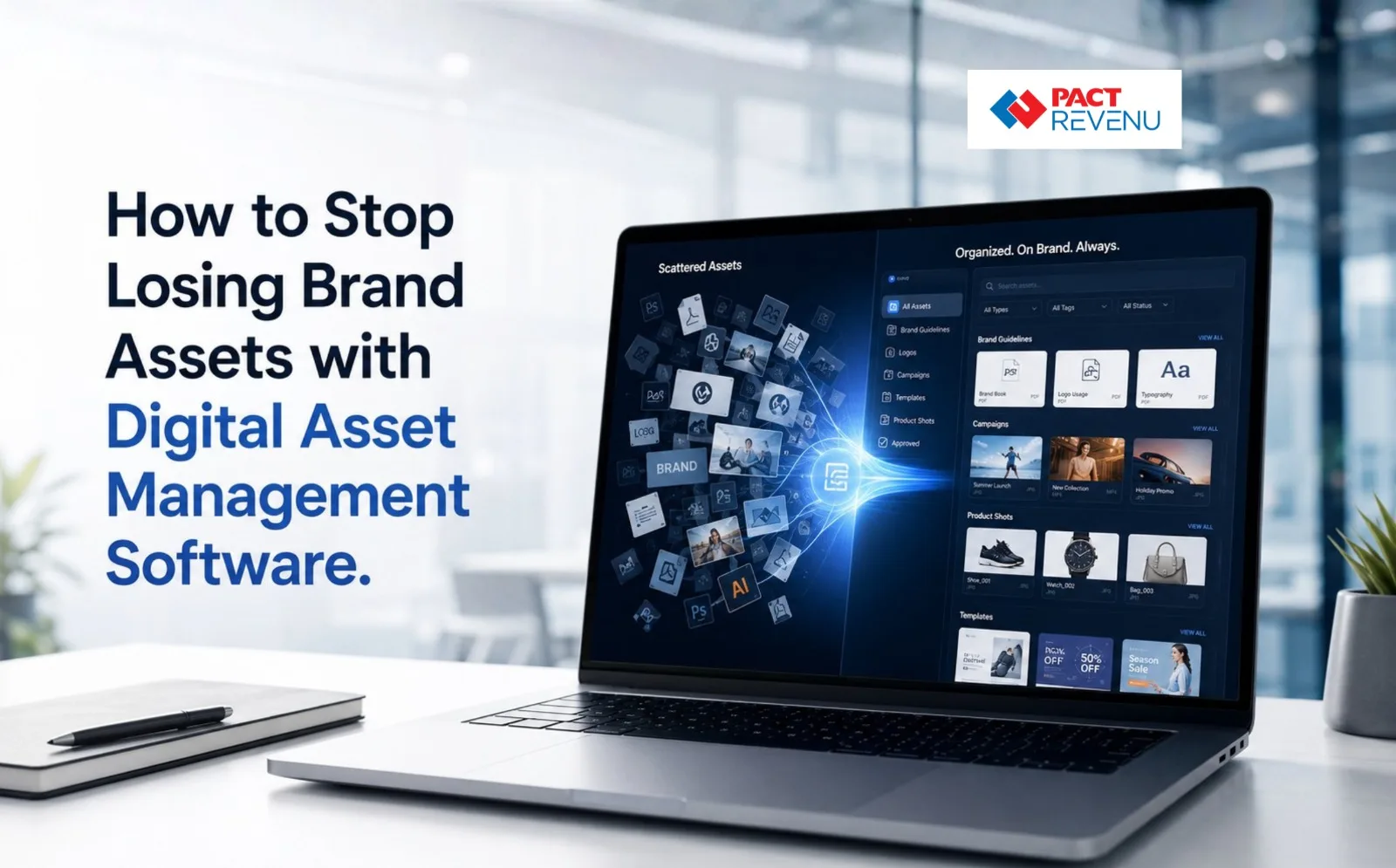
How to Stop Losing Brand Assets with Digital Asset Management Software
Imagine your marketing team needs the latest company logo for an important presentation. Someone checks Google Drive. Another person searches WhatsApp. A designer looks through an old project folder, while someone else searches their email for the “final” file.
After 20 minutes, nobody is completely sure which version is actually approved.
This is a common issue for the developing companies. As companies create more product images, videos, brochures, presentations, social media creatives, documents, and brand guidelines, managing those files manually becomes increasingly difficult.
A Digital Asset Management Software solution helps businesses solve this problem by providing a centralized place to store, organize, search, manage, and distribute important digital assets.
For Indian businesses managing multiple departments, branches, agencies, and marketing campaigns, having a structured asset management process can save time while improving brand consistency.
What Is Digital Asset Management Software?
Digital Asset Management (DAM) is the process of organizing, storing, finding, managing, and distributing digital files from a centralized system.
A Digital Asset Management Software platform can help businesses manage assets such as:
- Company logos and brand guidelines
- Product photographs
- Marketing videos
- Social media creatives
- Brochures and catalogues
- Sales presentations
- Product documents
- Advertisements
- Design source files
- Marketing templates
Instead of asking, “Where is that file?” Workers can use and access file names, tags, categories, metadata and filters to find the necessary asset.
A DAM platform can also support permissions, version control, workflows, and asset distribution, making it more than a basic file-storage solution.
Why Do Businesses Lose Important Brand Assets?
The problem is usually not that the files have completely disappeared. More often, employees lose track of where the correct version is stored.
A growing business may have assets spread across:
- Individual laptops
- Google Drive folders
- Email attachments
- WhatsApp conversations
- Shared network folders
- Cloud storage platforms
- Agency accounts
- Old project folders
This creates several operational problems.
1. Excessive Variations of the Same File
A designer may create several versions of a brochure. The marketing team downloads one version, sales uses another, and an external agency may still have an older copy.
Without proper version management, nobody knows which file should be considered final.
A centralized system helps teams identify the latest approved version and avoid unnecessary duplication.
2. Employees Spend Too Much Time Searching
Searching through multiple folders may seem like a small inconvenience.
But if several employees spend 10–15 minutes every day looking for files, that lost productivity can add up quickly.
A centralized asset library with search, tags, and metadata makes it easier for employees to find what they need.
3. Brand Guidelines Are Not Followed Consistently
Using an outdated logo, incorrect product image, old presentation, or expired marketing creative can create an inconsistent brand experience.
This becomes especially challenging for Indian businesses working across multiple branches, sales teams, distributors, and external marketing agencies. A centralized library helps teams access approved brand materials from a common source.
4. Important Files Leave When Employees Leave
When employees leave a company, important files may remain on their personal laptops, folders, or cloud accounts.
This creates unnecessary dependency on individuals. Keeping business-critical assets within an organization-controlled system makes them easier to manage when employees change roles or leave the company.
How Does Digital Asset Management System Software Help?
A digital asset management system software solution can create a single source of truth for a company’s digital content.
Instead of simply storing files, it can help businesses manage the lifecycle of an asset from creation and approval to distribution and archiving.
Centralized Asset Storage
Teams can store approved files in one structured environment.
For example, an Indian manufacturing company could organize its assets like this:
Products → Product Category → Product Model → Marketing Materials → Approved Assets
This makes the asset library easier to navigate as the business grows.
Faster Search and Retrieval
Good search functionality can significantly reduce the time employees spend looking for files.
Users may be able to search using:
- Asset name
- Product name
- Department
- Campaign
- File type
- Date
- Keywords
- Tags
- Metadata
This becomes particularly valuable when a company has thousands of digital files.
Version Control
Version control is one of the most useful features for teams managing frequently updated content.
Instead of having files named:
Brochure_Final.pdf
Brochure_Final_New.pdf
Brochure_Final_New_2.pdf
teams can maintain controlled versions and identify the approved asset more clearly.
Access Permissions
Not every worker requires access to all files.
Depending on the platform, businesses can create permissions based on departments, roles, projects, or external users.
For example:
- Marketing can manage campaign assets.
- Sales can access approved product materials.
- Agencies can access selected files.
- Management can access important brand resources.
Metadata and Tagging
Metadata provides additional information about a digital asset.
For example, a product image could contain information such as:
- Product name
- Product category
- Campaign
- Region
- Usage rights
- Approval status
- Creation date
This information makes large asset libraries easier to search and manage.
What Should You Look for in the Best Digital Asset Management Solution?
There is no single platform that is automatically the best digital asset management solution for every organization.
The right choice depends on your business size, number of users, asset volume, workflows, integrations, and budget.
Take into account the following features before choosing a platform.
1. Easy Search
Employees should be able to find assets without navigating through complicated folder structures.
A strong search system can reduce dependency on individual employees who know where files are stored.
2. Version Management
The platform should make it easy to identify current, approved, and outdated assets.
This is especially important for product brochures, pricing documents, presentations, and marketing campaigns.
3. User Permissions
If your company works with multiple departments, agencies, distributors, or partners, flexible access control can help prevent unauthorized changes or downloads.
4. Metadata and Tagging
As your asset library grows, metadata and tagging become increasingly important.
A well-designed tagging system can make thousands of files easier to find.
5. Approval Workflows
If marketing materials require approval from management, legal, product, or brand teams, approval workflows can help reduce the risk of unapproved content being distributed.
6. Integration Capabilities
Consider whether the solution can integrate with the business applications your teams already use. This can help reduce repetitive manual work and create a more connected workflow.
7. Scalability
Your asset library will likely grow over time.
Choose a system that can support additional users, departments, campaigns, products, and files as your business expands.
Digital Asset Management vs Cloud Storage
A common question businesses ask is:
“Why is DAM necessary when we can use Google Drive or another cloud storage platform?”
Cloud storage is useful for storing and sharing files. DAM, however, is specifically designed around managing digital assets throughout their lifecycle.
Key Differences
| Requirement | Basic Cloud Storage | DAM Platform |
| File storage | Yes | Yes |
| Centralized library | Yes | Yes |
| Advanced asset search | Varies | Usually available |
| Metadata management | Limited/varies | Core capability |
| Version management | Varies | Common capability |
| Brand asset governance | Limited | Stronger |
| Approval workflows | Limited/varies | Often available |
| Asset permissions | Yes | Yes |
| Asset lifecycle management | Limited | Core focus |
The exact features vary between platforms, so businesses should evaluate solutions according to their actual requirements.
The key difference is that DAM focuses on managing, governing, finding, using, and distributing digital assets, rather than simply storing files.
What About Digital Assessment Management?
You may come across the phrase “digital assessment management” while researching software.
However, if your requirement is to manage logos, images, videos, documents, marketing creatives, and other company-owned digital files, the relevant term is generally Digital Asset Management (DAM).
“Assessment management” can refer to completely different systems used for areas such as:
- Employee assessments
- Student assessments
- Training evaluations
- Performance evaluations
- Testing processes
Therefore, businesses looking for a solution to manage brand and marketing files should generally search for Digital Asset Management Software rather than digital assessment management.
When Should an Indian Business Invest in DAM Software?
A business should consider a DAM solution when its digital assets become difficult to manage manually.
You may need a more structured system if:
- Your marketing team frequently searches for old files.
- Multiple employees create duplicate assets.
- Your company has multiple branches.
- Sales teams use outdated brochures or presentations.
- External agencies regularly request brand assets.
- Your product catalogue is growing.
- Your business manages hundreds or thousands of images and videos.
- Maintaining brand consistency has become difficult.
- Important files are stored in employees’ personal folders.
- Teams regularly recreate assets that already exist.
You don’t necessarily need to wait until asset management becomes a major problem.
Building a structured process early can make future growth easier.
How to Implement Digital Asset Management Successfully
Buying software is only one part of the process.
The system becomes effective when businesses establish clear rules for how digital assets should be created, stored, approved, used, and archived.
Step 1: Audit Existing Assets
Identify where your important files are currently stored.
Check:
- Shared drives
- Employee folders
- Cloud storage
- Agency accounts
- Marketing platforms
- Old project folders
Step 2: Remove Duplicates
Before migrating files, identify outdated, duplicate, and unnecessary assets.
This prevents the new system from becoming another large collection of disorganized files.
Step 3: Create a Logical Structure
Build categories based on how your teams actually search for assets.
Avoid creating hundreds of complicated folders that employees find difficult to navigate.
Step 4: Define Naming and Tagging Rules
Establish consistent naming conventions and metadata requirements.
This creates a predictable system that employees can follow.
Step 5: Define Approval Rules
Clearly identify whether an asset is:
- Draft
- Under review
- Approved
- Expired
- Archived
- This reduces confusion around which files employees should use.
Step 6: Train Employees
Even a powerful system will not solve the problem if employees continue storing files randomly.
Train teams on where assets should be uploaded, how they should be tagged, and how approved files should be accessed.
Step 7: Review the Asset Library Regularly
Digital asset management should be an ongoing process.
Regular reviews can help remove outdated materials, update metadata, and maintain a clean asset library.
How PACT REVENU Can Help Businesses Build More Efficient Operations
For growing Indian businesses, managing information efficiently is as important as generating it.
PACT REVENU provides business management solutions designed to help organizations bring important business processes into a more structured and connected environment.
When business information is scattered across disconnected systems, teams may spend more time searching, coordinating, and manually updating information.
A centralized and organized approach can help businesses improve visibility, streamline workflows, and make day-to-day operations more manageable.
Take the Next Step
If your organization is looking for ways to improve operational efficiency and manage business information more effectively, explore how PACT REVENU can support your business requirements.
Talk to the PACT REVENU Team Today and explore a smarter approach to business management.
Final Thoughts
Losing a logo, brochure, product image, or presentation may appear to be a small issue. But when employees repeatedly waste time searching for files, recreate existing assets, or accidentally use outdated materials, the business impact becomes much larger.
Digital Asset Management Software provides businesses with a structured way to turn scattered digital files into an organized, searchable, and controlled asset library.
For Indian businesses growing across teams, branches, products, and marketing channels, the objective isn’t simply to store more files.
It is to make sure the right people can quickly find and confidently use the right asset at the right time. That is where effective digital asset management can make a meaningful difference.
Ready to improve your business operations? Connect with PACT REVENU today to explore a structured approach to managing your growing business requirements.
Frequently Asked Questions
What is Digital Asset Management Software?
Digital Asset Management Software is a system used to store, organize, search, manage, control, and distribute digital assets such as images, videos, documents, logos, presentations, and marketing materials.
What are the main benefits of digital asset management?
The main benefits include faster asset retrieval, improved version control, better collaboration, stronger brand consistency, centralized storage, and better control over asset access.
Is DAM the same as Google Drive?
No. Google Drive and similar cloud storage platforms primarily provide file storage and sharing. DAM focuses more specifically on organizing, governing, searching, managing, and distributing digital assets.
Who can use Digital Asset Management Software?
Marketing, creative, sales, product, brand, communications, and other teams that regularly create or manage digital content can benefit from a DAM solution.
How does DAM prevent outdated files from being used?
Version control, approval status, metadata, permissions, and a centralized asset library can help employees identify and use the correct approved version.
Is Digital Asset Management useful for small businesses?
Yes. Small businesses with growing marketing and product assets can benefit from establishing an organized system before the number of files becomes difficult to manage.